Zones inside zones
Home, floors, rooms, the garden. Each zone adds up what is inside it, so a floor knows what its rooms know.
Open source, on your own hardware
Tell Sowel what you need. It knows every room, runs itself, and keeps your data where it belongs: with you.
Install with Docker, in one line
curl -fsSL https://raw.githubusercontent.com/mchacher/sowel/main/scripts/install.sh | shNeeds Docker with Compose v2. Then open port 3000 in your browser.Read the manual
The model
You describe your home once: its floors, its rooms, what is in each of them. Sowel builds everything else on that description.
Home, floors, rooms, the garden. Each zone adds up what is inside it, so a floor knows what its rooms know.
A device is what is on the network. An equipment is what is in the room.
The garage door is one equipment, even when it rests on a dry contact that triggers it and a contact that says whether it is closed. Replace a contact, the door stays.
Each type knows what it measures and which orders it takes, so every screen and every recipe speaks the same language.
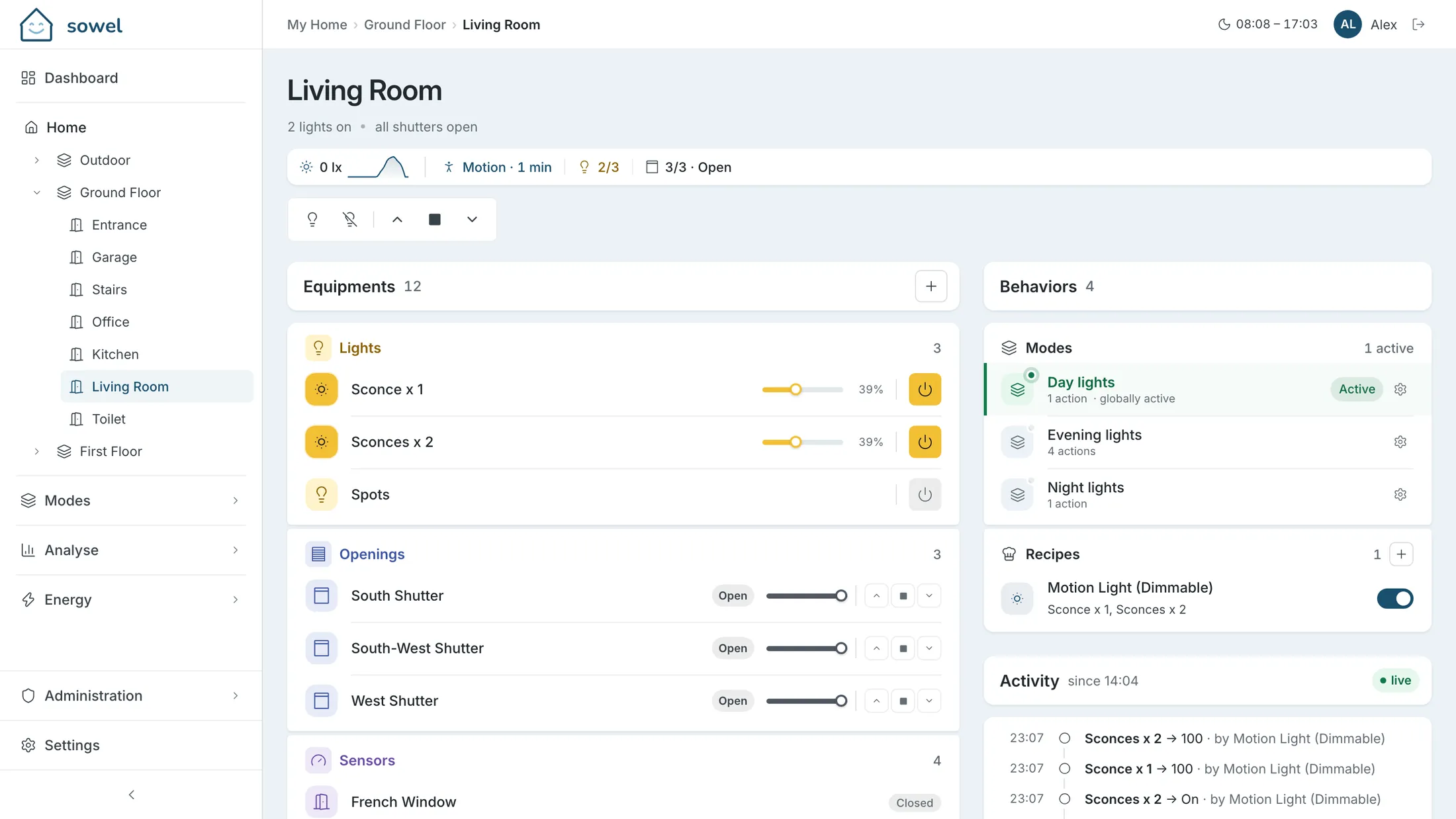
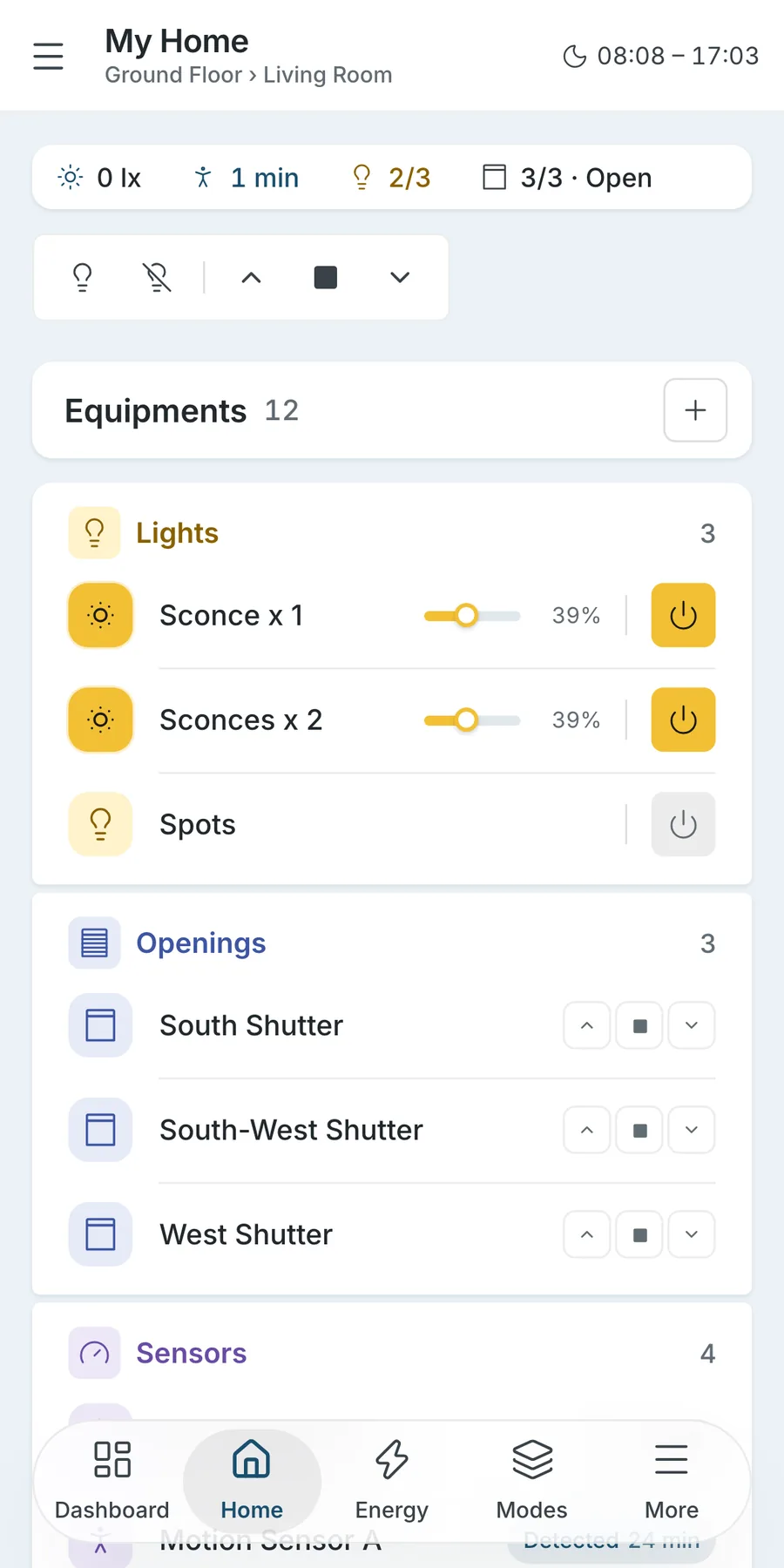
Rooms that know
Put equipment in a room and the room computes the rest by itself. Natively, with nothing to configure.

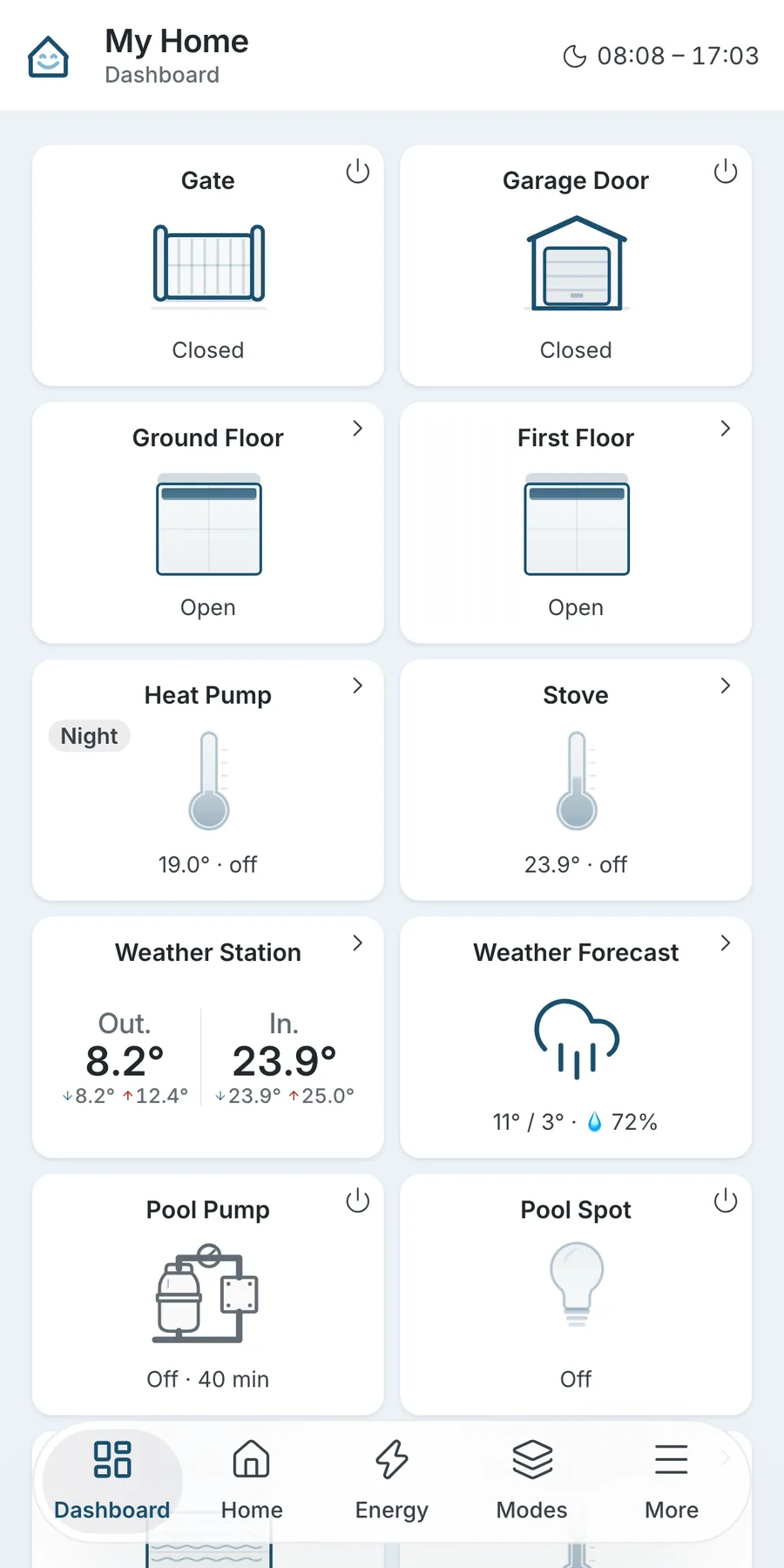
Dashboard
A dashboard view puts the controls you use every day one tap away: the gate, the garage door, the shutters of each floor, the heating.
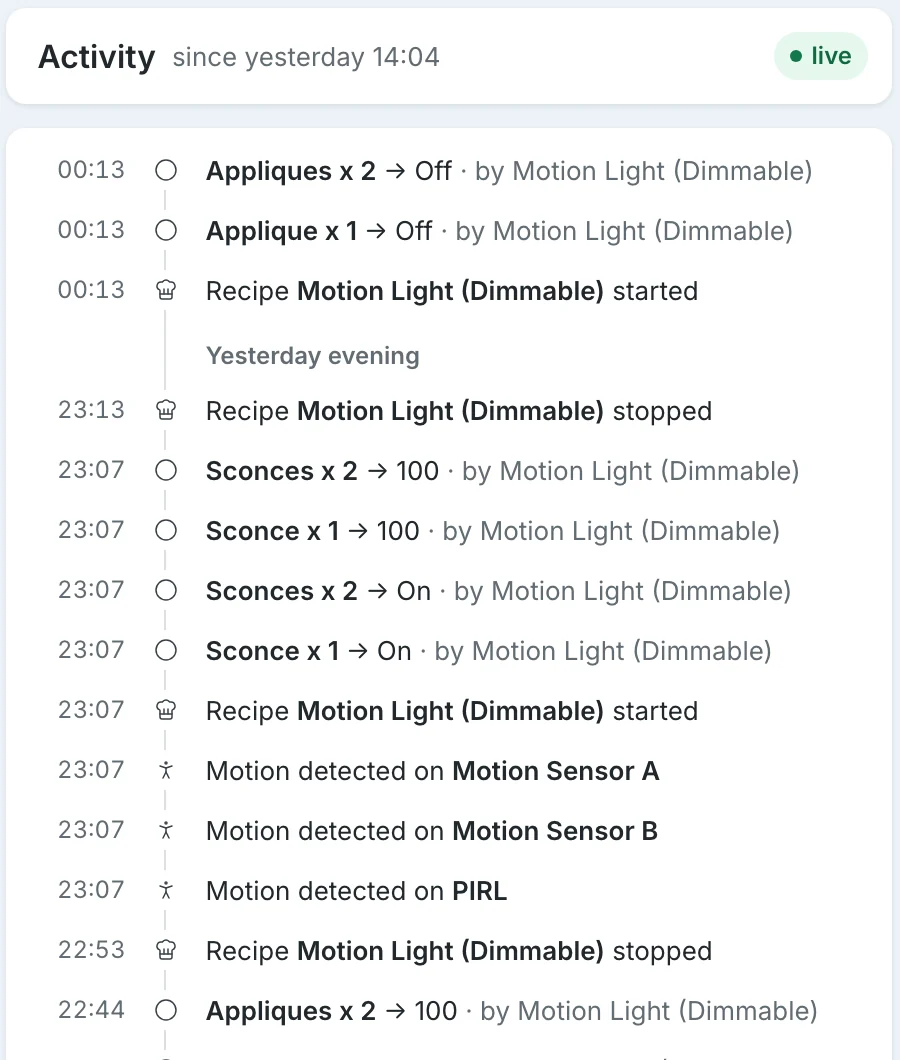
Recipes
A recipe is a real program, written and tested once. You place it on a room, answer a few questions, and it runs.
Follows presence in the room, lowers the setpoint at night and warms up ahead of the times you set.
Waters in the time slots you choose, valve by valve, and skips the round when rain is on the way.
Runs the ventilation to dry the rooms it serves, only when the outdoor air can actually dry them.
Cuts the power to a pump or a motor that runs past a safe duration, unless the run is a legitimate one.
Describe what you need in your own words. An AI assistant builds the recipe and tests it, then you install it like any other.
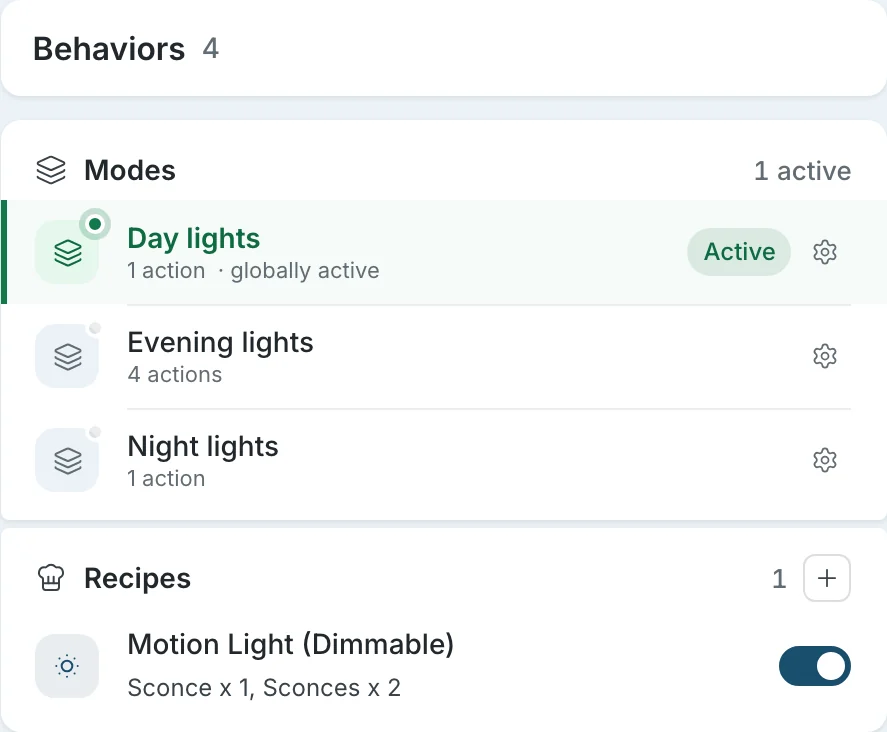
Modes
Day, evening, night, away. A mode switches many rooms at once, and every recipe knows which one is active.
Privacy
Sowel runs on your own hardware: a small server, a NAS, a spare computer. The history of your home lives there.
You sign up nowhere to use Sowel.
No Sowel server stands between you and your home.
Sowel does not report how you use it.
Each plugin is hash-checked against the registry, then scoped to its own settings and devices.
Install
One command on a machine with Docker, then everything happens in the browser.
curl -fsSL https://raw.githubusercontent.com/mchacher/sowel/main/scripts/install.sh | shIt fetches Sowel, starts it and waits until it answers.
Go to port 3000 of that machine and create your account.
Add your rooms, connect an integration, place your equipment.
Community
Sowel is open source. Ask a question, suggest an idea, report a bug or show us your home: it all happens on GitHub.